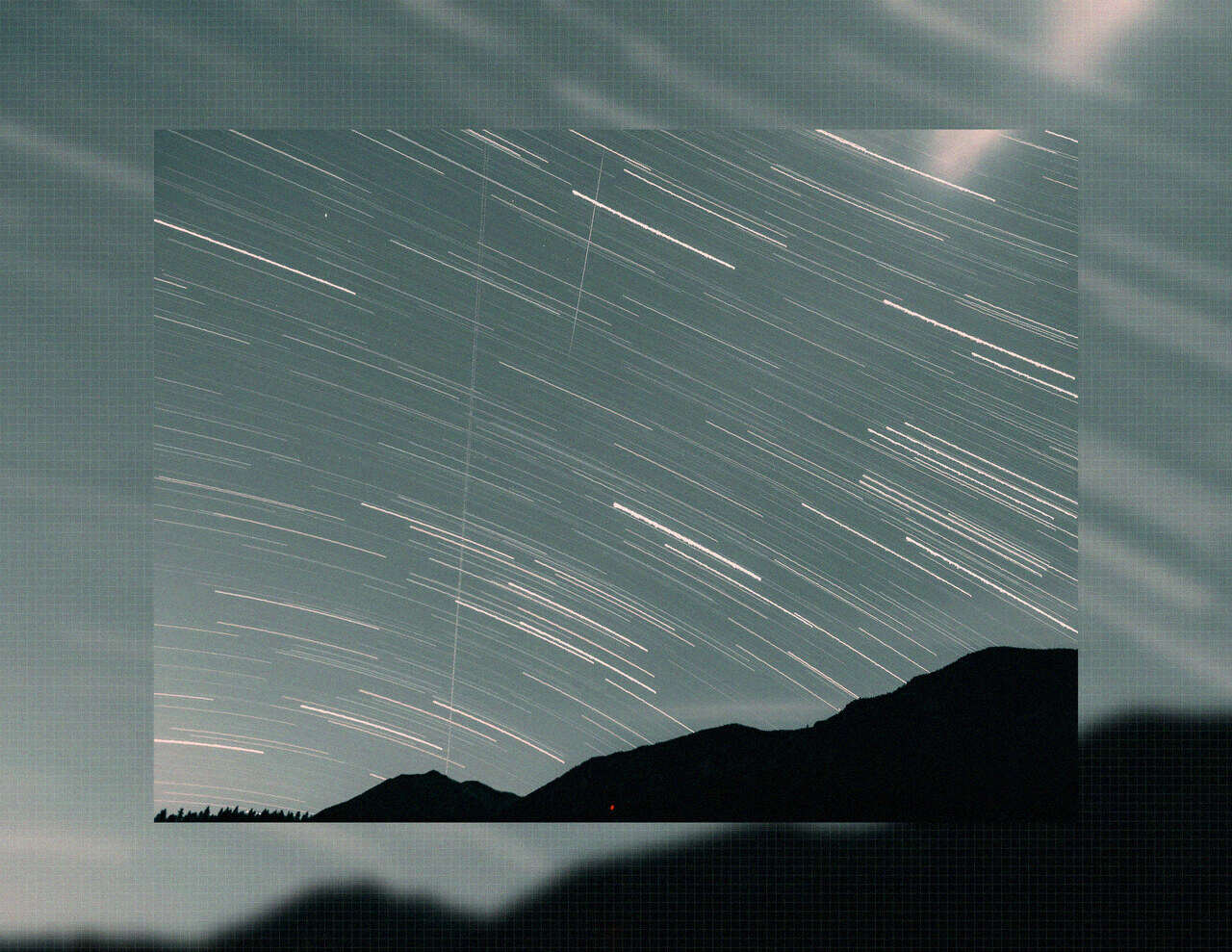
Photo Effects Explained: Grain, Glitch, Halftone & More
Every photo effect, explained: film grain, glitch, chromatic aberration, halftone, dither, and more. Learn what each one does, how intensity changes the look, and how to apply effects to a batch.
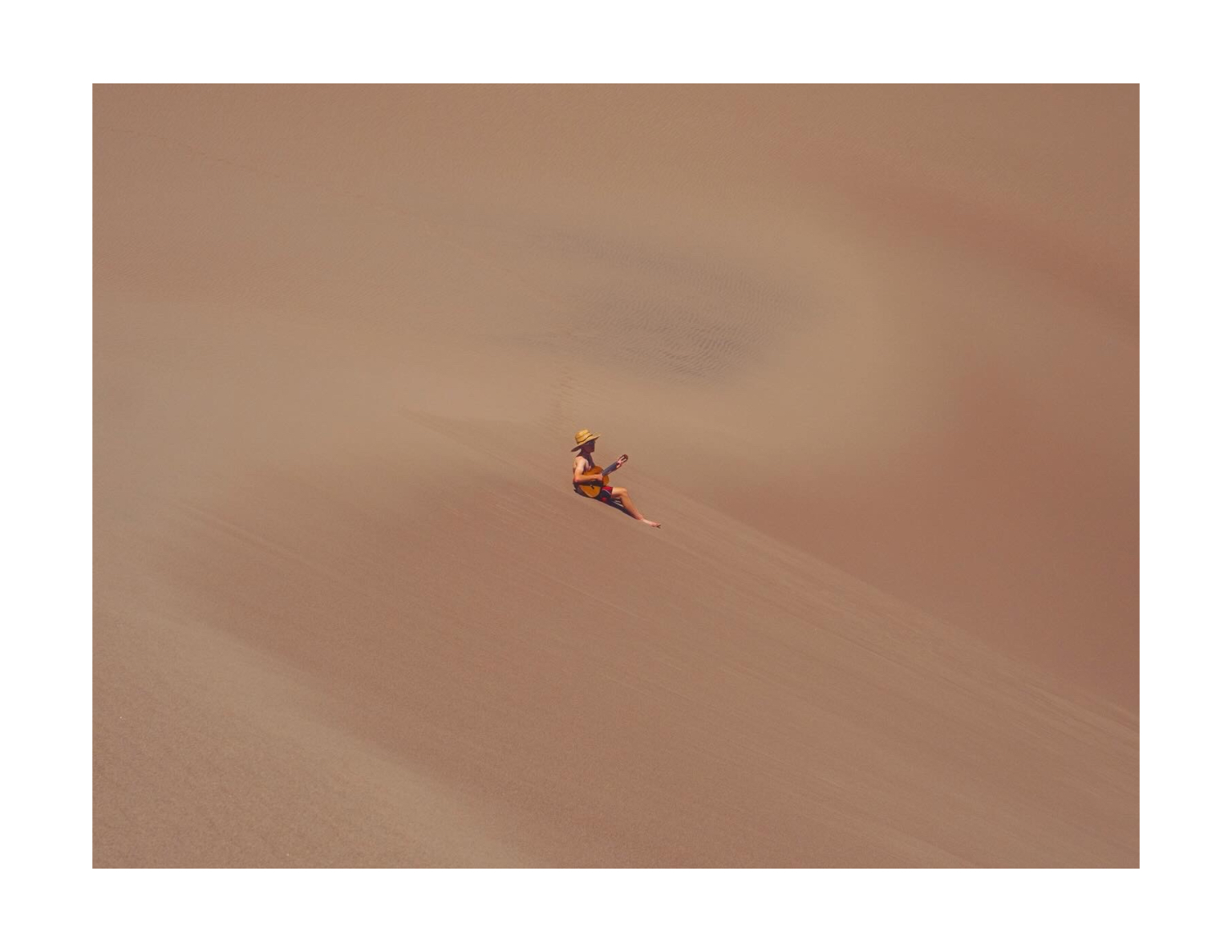
Effects are where photos go from “taken” to “made.” A single effect can change a photo’s era (chromatic aberration → analog lens), its mood (vignette → intimacy), or its whole category (halftone → printed art).
The problem with effects is that they’re usually applied one photo at a time, with each one slightly different. This guide explains what each effect actually does, how to tune it, and how to apply the same effect to an entire batch so the set stays coherent.
Effect fundamentals
Before the list, two rules that apply to every effect:
- Intensity is a dial, not a switch. Every effect in DelightfulBorders runs from 0–100%. The same effect at 15% and 60% looks like two different effects.
- Stacking compounds. Effects layer in sequence. Two subtle effects usually look better than one extreme effect.
The effects, one by one
Film grain
Luminance noise spread across the image — the classic film look. It adds warmth, hides compression artifacts, and makes dark images less “digital.” The most useful effect on this list. Full batch grain tutorial →
Glitch
Horizontal displacement bands that slice the image like corrupted video. At low intensity it’s a subtle retro wobble; at high intensity it’s full datamosh. Best at 20–50% unless you’re going full vaporwave.
Chromatic aberration
Color fringing at high-contrast edges — red and blue channel separation. This is the “cheap old lens” look. Used subtly (10–25%), it adds analog warmth and a vintage lens character that’s surprisingly classy.
Halftone
The comic-book dot pattern. Luminance becomes dot size — bright areas have small dots, shadows have large ones. At fine scale it’s print texture; at coarse scale it’s screen-printed art.
Dither
A Bayer-matrix dither that breaks gradients into a structured dot pattern. It’s the “ordered halftone’s quiet cousin” — great for a subtle digital-print or retro-computer feel.
Heat haze
A shimmering distortion that wobbles the image like air over hot asphalt. Subtle by nature; even at high intensity it reads as atmosphere rather than damage. A favorite for moody, summery, or slightly unhinged looks.
ASCII
The image rendered as ASCII characters — the classic terminal art. It’s a statement effect: use it for social-ready novelty or art direction, not client portraits.
Intensity cheat sheet
| Effect | Subtle range | Bold range | Notes |
|---|---|---|---|
| Grain | 10–25% | 35–60% | Start here for film looks |
| Glitch | 10–30% | 40–80% | Bold = statement |
| Chromatic aberration | 10–25% | 30–60% | Keep subtle for vintage lens |
| Halftone | 20–40% | 50–90% | Scale controls dot size |
| Dither | 15–35% | 40–70% | Great on gradients |
| Heat haze | 20–50% | 60–100% | Never fully overdone |
| ASCII | any | any | All-or-nothing aesthetic |
Effects are batch tools
The single most underrated thing about effects is that they’re uniform. When you apply grain at 25% to 40 photos, all 40 carry the exact same grain. That uniformity is what makes a set feel like one shoot.
With DelightfulBorders you:
- Import the whole batch.
- Enable the effects you want and set intensities once.
- Save the stack as a profile.
- Export everything together — or re-apply the profile to next month’s batch.
This is the difference between an aesthetic and a signature. See it in action in the 40-photo grain tutorial.
Effects + textures + borders together
Effects don’t live in a vacuum. The full editorial stack is usually:
- A border to frame and separate,
- A texture (paper, linen, grid) to add surface,
- An effect (grain, halftone, dither) to set the mood.
Each layer does one job. Get all three consistent across a batch and you have a look that’s entirely yours.
Keep reading
- Apply film grain to 40 photos at once
- Photo textures: film grain, paper, linen & more
- All effect guides
DelightfulBorders is a one-time purchase on the App Store. Effects run on the GPU, so even heavy stacks stay fast across a full batch.
Try it with your next batch
DelightfulBorders adds borders, textures, and effects to dozens of photos at once. One-time purchase, no subscription, and everything stays on your device.