Social Media Workflows
A consistent feed is what makes a profile look professional. Learn how to build a matching Instagram grid, keep white borders uniform across posts, and size everything for each platform in one batch.
Guides in this topic
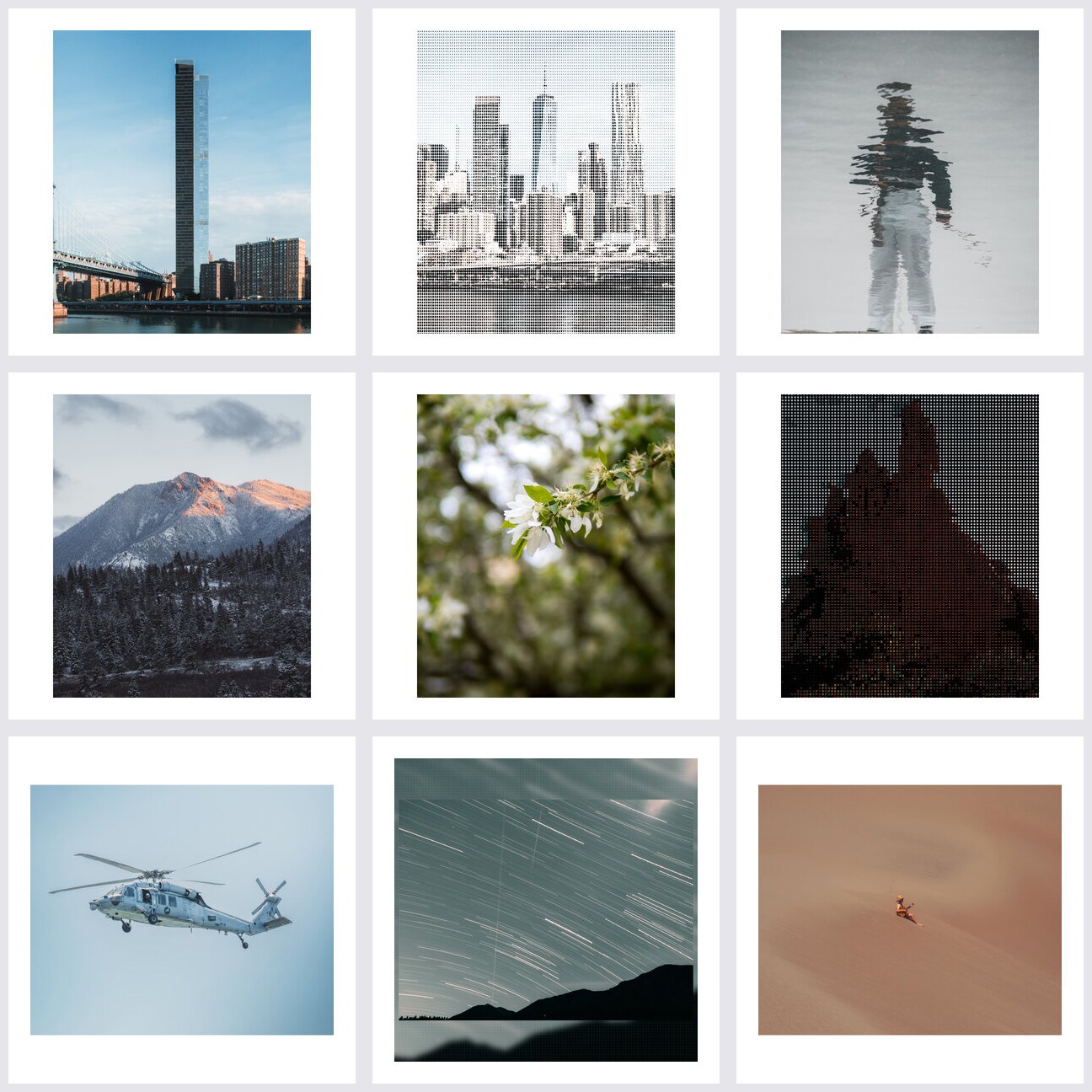 Social Media
 How to Create a Consistent Instagram Grid
A consistent Instagram grid is built from uniform borders, not luck. Learn how to make every post match with batch photo borders, and get the exact sizes you need.
Read guide Social Media
 Instagram Photo Editing: Sizes, Borders & Feed Cohesion
The complete Instagram photo editing guide: exact image sizes, how to use white borders for a cohesive feed, and how to batch-prepare a full grid in minutes.
Read guideFrequently asked questions
How do I make my Instagram grid look consistent?
Give every post the same border at the same width, export everything at the same size, and frame mixed aspect ratios into one canvas. A consistent frame makes thumbnails line up even when photos differ.
What image size should I export for Instagram?
1080 × 1080 for square posts, 1080 × 1350 for 4:5 portrait posts, and 1080 × 1920 for stories and reels. Export at 1080px on the long edge so Instagram doesn't downscale and soften your uploads.
Why do white borders make a feed look more professional?
Borders separate each thumbnail in the grid, frame mixed crops into matching tiles, and echo the visual language of galleries and prints. Uniform borders are the fastest consistency upgrade for any feed.
Can I prepare a whole grid block in one batch?
Yes. Plan a block of 9–12 posts, import them together, apply the same border and ratio once, and export the block at 1080px. You'll know exactly how the next nine posts will look before posting any.
Explore more topics
Put these workflows to work
DelightfulBorders applies borders, textures, and effects to dozens of photos at once — on your device, one-time purchase, no subscription.